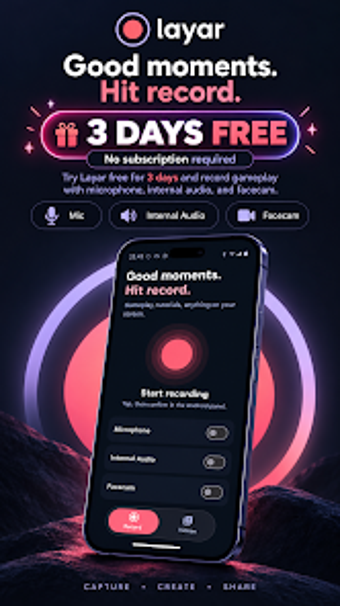
Mobile screen capture with dual audio and facecam overlay
Record full-screen walkthroughs, gameplay, or tutorials with simultaneous internal and microphone audio, plus an optional facecam overlay for reactions and narration. Layar Screen Recorder, created by Muhammad Daudy for Android devices, bundles a built-in video library, playback, and simple post-capture edits like trim and rotate. The app targets mobile gamers, educators, and professionals who need direct mobile recording and quick post-production without moving footage to a desktop.
You can record both internal audio and microphone at the same time
Dual audio capture is a core capability: the app records internal device audio and microphone audio simultaneously, which supports gameplay commentary and narrated tutorials. Internal audio capture typically requires modern Android system support, so your device's OS can affect whether both streams are available. This configuration keeps voice and system sounds separate at source, simplifying later mixing in external tools if you choose.
Built-in review and basic editing keeps a single-device workflow
The app includes a built-in video library with integrated playback and basic editing tools such as trim and rotate, so you can cut a clip and correct orientation without exporting. That workflow reduces the number of handoffs: capture, review, and trim all happen on the device. The editor is intentionally minimal, aimed at short edits rather than frame-accurate compositing or multi-track timelines.
Performance focus and long-session protection suit longer recordings
Recordings support up to 1080p resolution and the app offers storage protection features designed for extended sessions, which helps prevent interrupted captures during long tutorials or playthroughs. Playback and file management live in the same library, and the facecam overlay records alongside the screen feed so you preserve presenter reactions without a separate camera setup.
A practical entry point for creators who need quick, phone-based recordings
You get a compact, device-centered recording workflow that keeps capture and light editing on your phone, which suits creators who prefer to produce clips without moving files. Consider whether the app’s account-gated access model fits your routine: if you need immediate, device-only capture with minimal setup, this app presents a clear gateway into polished mobile recordings.